
Keep a dated record of your inventory for audits, tax preparation, and financial reporting. Inventory Snapshot saves a point-in-time copy of your Inventory Summary report every month, so you have it on file without running manual exports. This article walks you through how Inventory Snapshot works, how to subscribe to a full or filtered snapshot, where to find past snapshots, and how to manage your subscription.
In this article
How Inventory Snapshot works
With Inventory Snapshot, you can:
- Subscribe once and receive a snapshot every month, with no manual export.
- Access up to 1 year of past snapshots in Sortly.
- Stay ready for audits and taxes with consistent, dated records.
Owners, Admins, Team Members, and Custom Roles can use Inventory Snapshot.
Subscribe to a snapshot
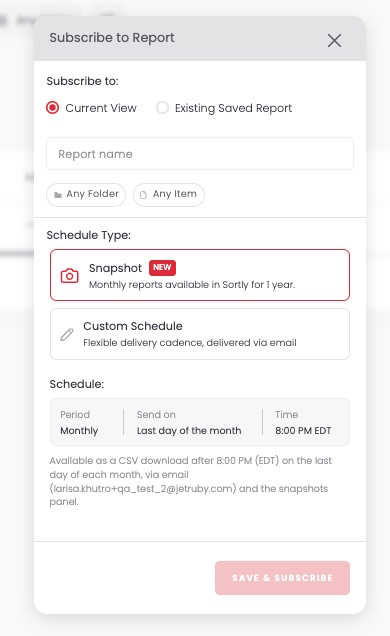
Want a monthly record of your full inventory? Subscribe to the Inventory Summary report on the web.
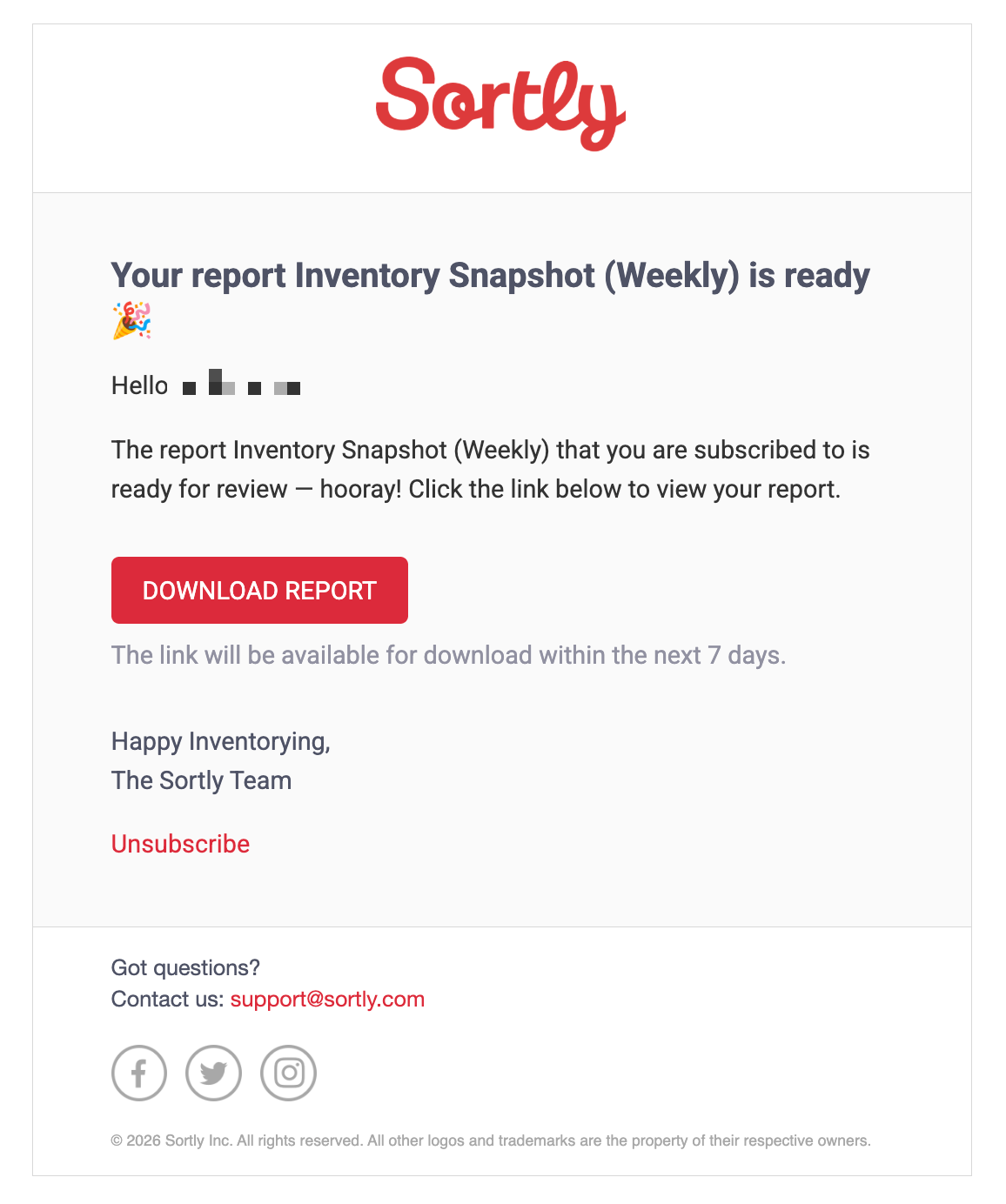
The email includes a Download Report button:
Create a custom snapshot
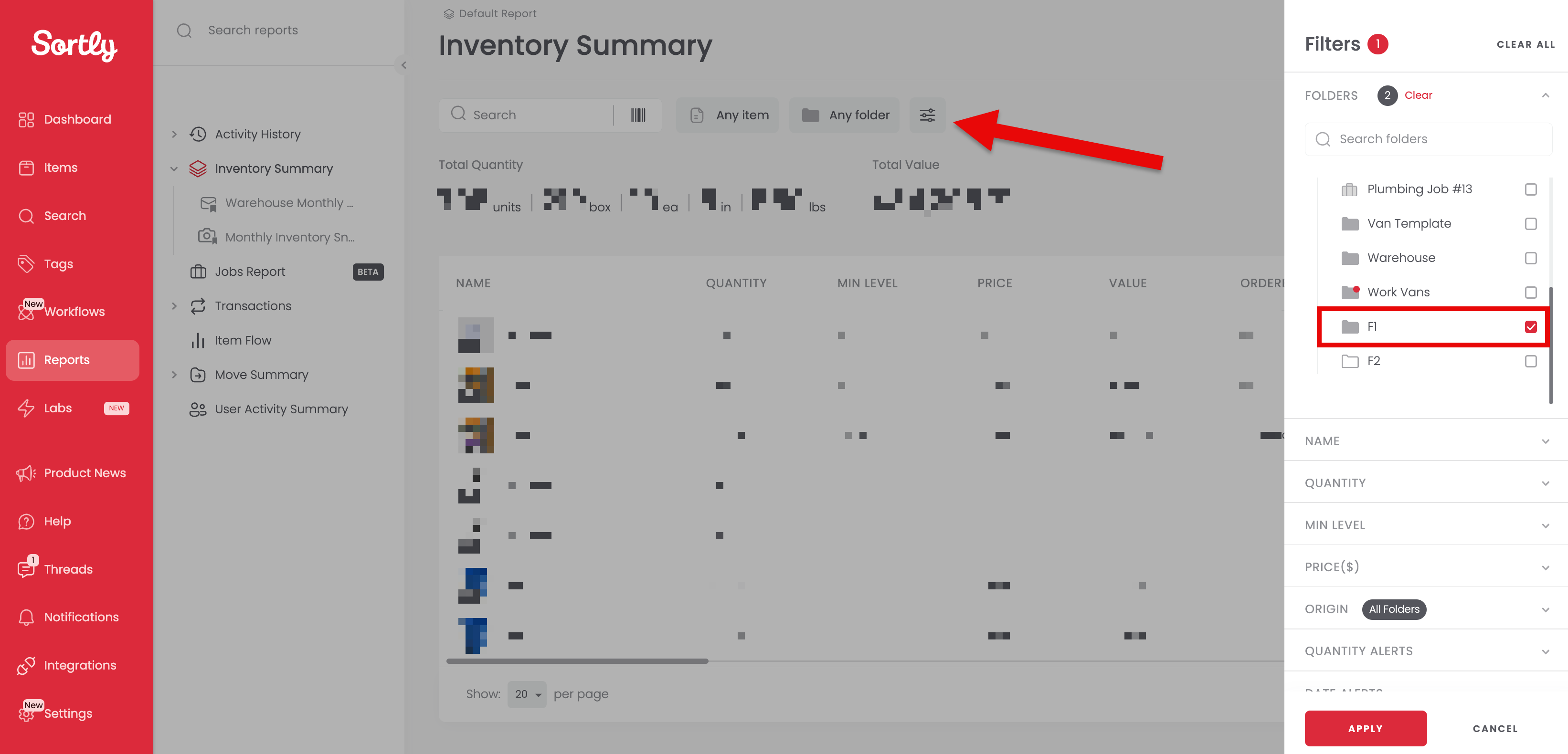
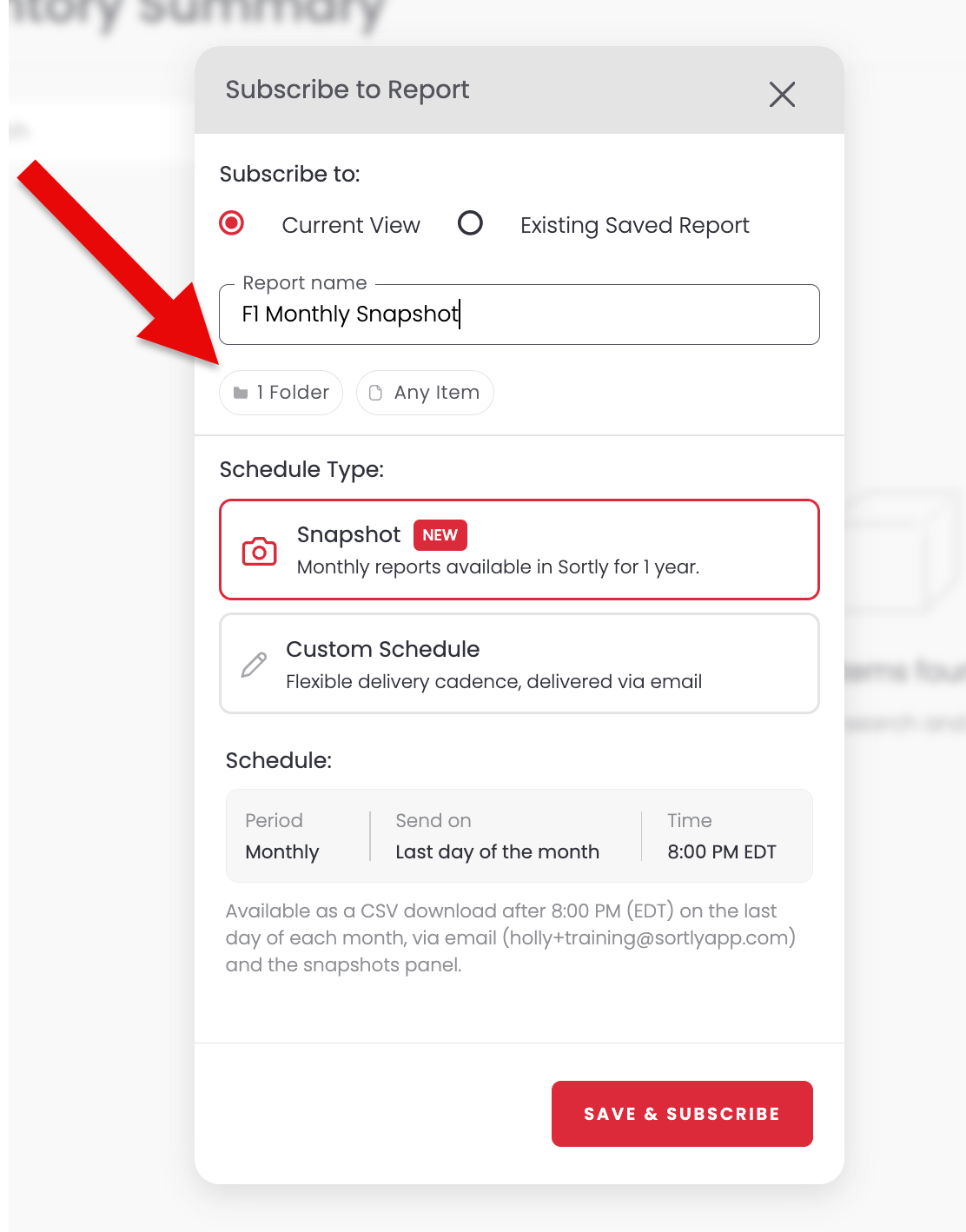
Need a snapshot of only part of your inventory? Filter the report to specific folders or items before you subscribe.
Access past snapshots
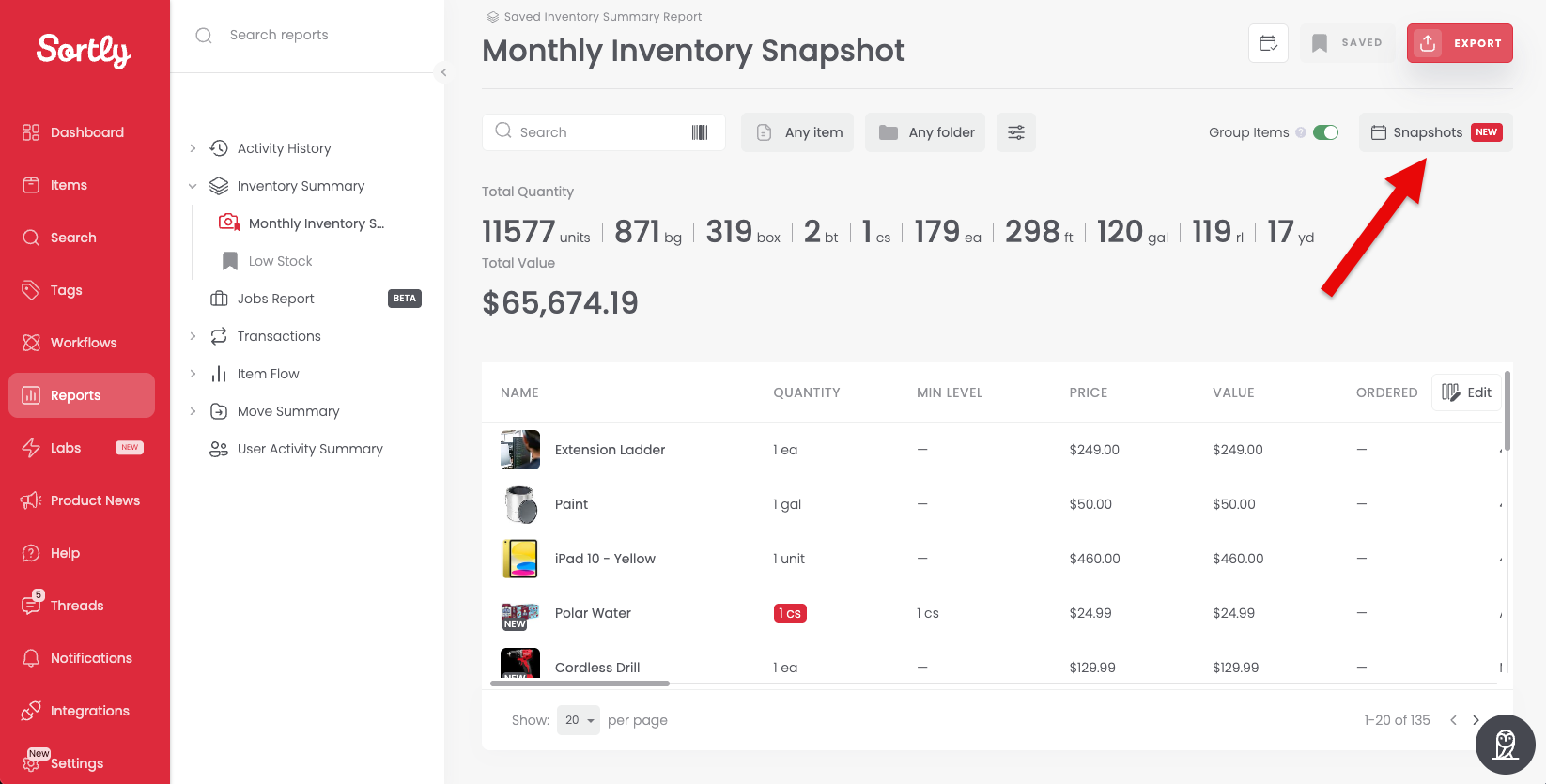

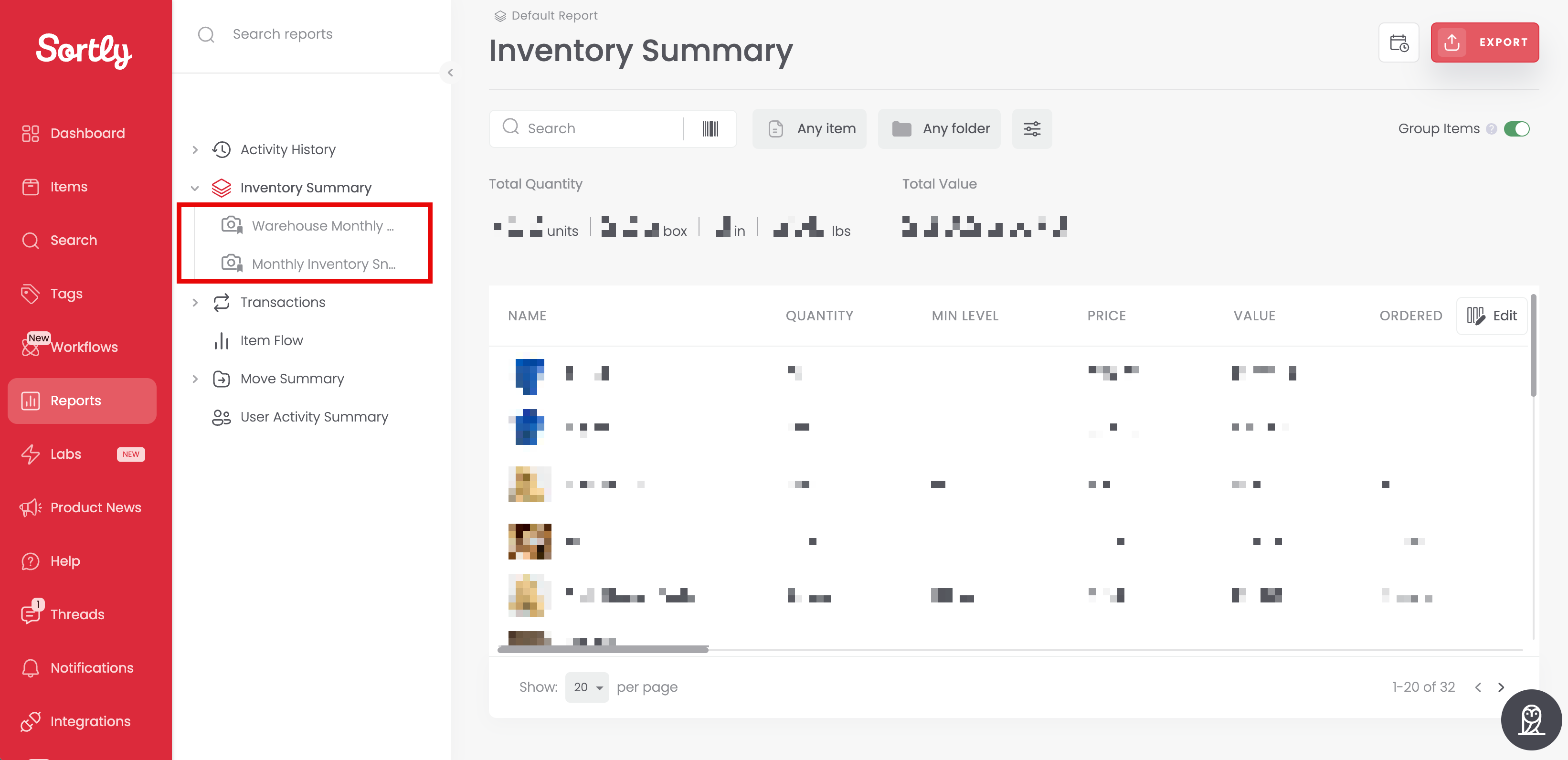
Your snapshot reports are also listed in the reports list on the left, nested under Inventory Summary.
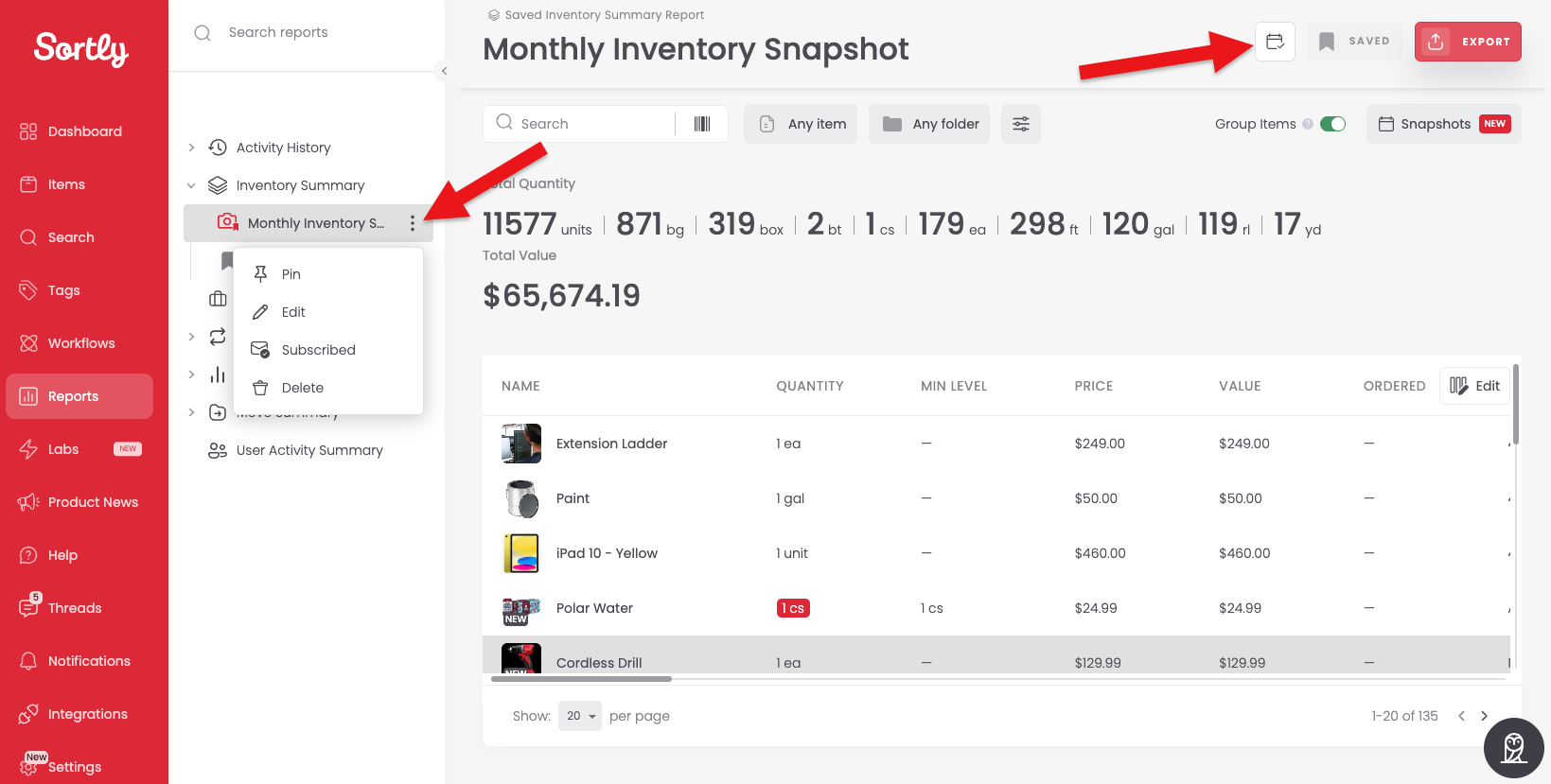
Manage your snapshot subscription
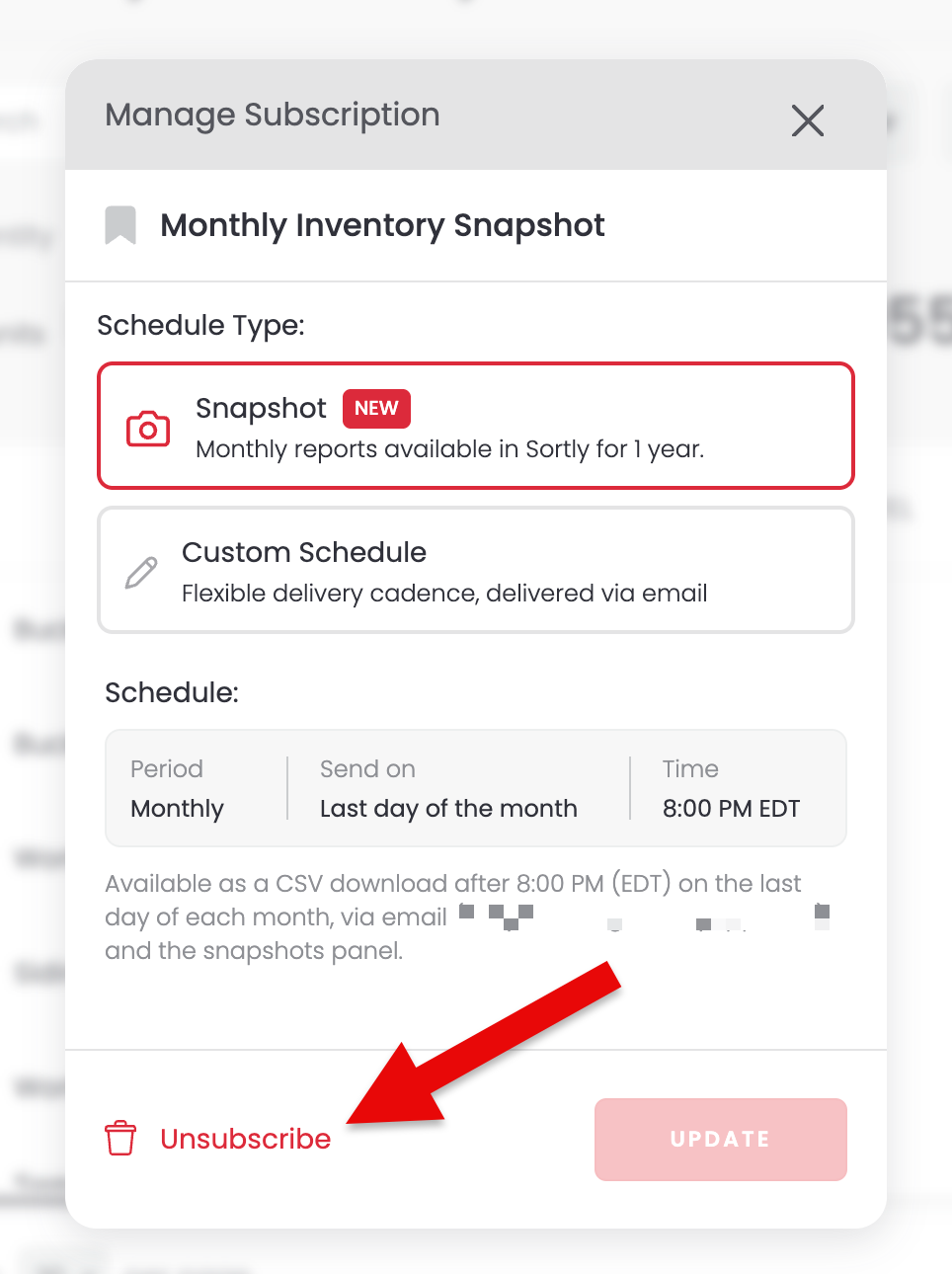
To subscribe again, reopen the subscription settings and select Resubscribe.
Snapshots are sent after 8:00 PM (your company's time zone) on the last day of each month.