
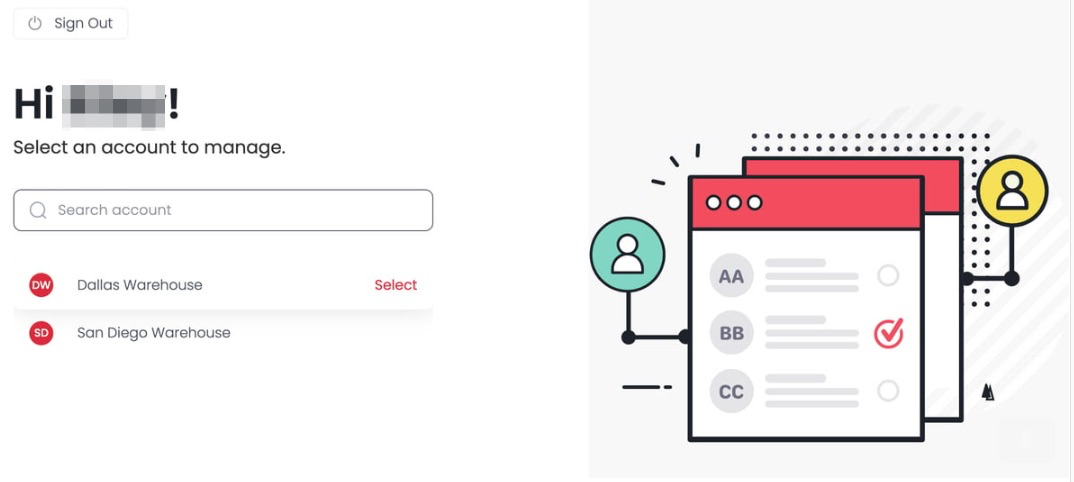
Keep track of every Enterprise account from one place, so you don't have to juggle separate logins. Multi-Account Access connects all your accounts into one dashboard and lets you see what's happening across them at a glance. This article walks you through why teams use it, whether it fits your business, and how to get it.
Why Use Multi-Account Access?
Multi-Account Access gives you more control and clarity. You can set up separate inventory systems for different parts of your business while still accessing them all from one login, like having a bird's-eye view of your entire operation.
Is It Right for You?
Multi-Account Access is a good fit if your business:
- Operates multiple locations with different inventory needs, like a franchise
- Has departments that handle their own inventory without mixing it up with others
- Works with contractors who manage their own parts of the business
- Handles inventory for different clients
How to Get Multi-Account Access
If you're already on Enterprise, schedule a chat with your Customer Success Manager and they'll walk you through it.
If you're not on Enterprise yet, talk to our Enterprise team to see how Multi-Account Access can support your business.