---
title: QuickBooks Online Integration
description: Sortly allows Premium and Enterprise customers to connect to QuickBooks Online (QBO) to easily send information like invoices and purchase orders to their.
---
[Skip to content](https://help.sortly.com/quickbooks-online-integration#main-content)

Open main navigation
Close main navigation
Looking for answers? Start here.
- There are no suggestions because the search field is empty.
1. [Sortly Help Center](https://help.sortly.com/?hsLang=en)
2. [Customizing Account](https://help.sortly.com/customizing-account?hsLang=en)
3. [Integrations](https://help.sortly.com/customizing-account?hsLang=en#integrations)
# QuickBooks Online Integration
Sortly allows Premium and Enterprise customers to connect to QuickBooks Online (QBO) to easily send information like invoices and purchase orders to their existing QBO account.
Premium
Enterprise
In this article
1. [Connect to QBO](https://help.sortly.com/quickbooks-online-integration#h_01HMF6941JAAG534PGAWGM2HZH)
2. [Using the QBO Integration](https://help.sortly.com/quickbooks-online-integration#h_01HMF6P45QPCTBAHZ273MZRM9M)
3. [FAQ](https://help.sortly.com/quickbooks-online-integration#h_01KD6CXVC6KZH8EJVP66YQYBFN)
### Connect to QBO
1. 1Navigate to **Integrations** and click on **QuickBooks**

2. 2Click on **Connect to QBO**
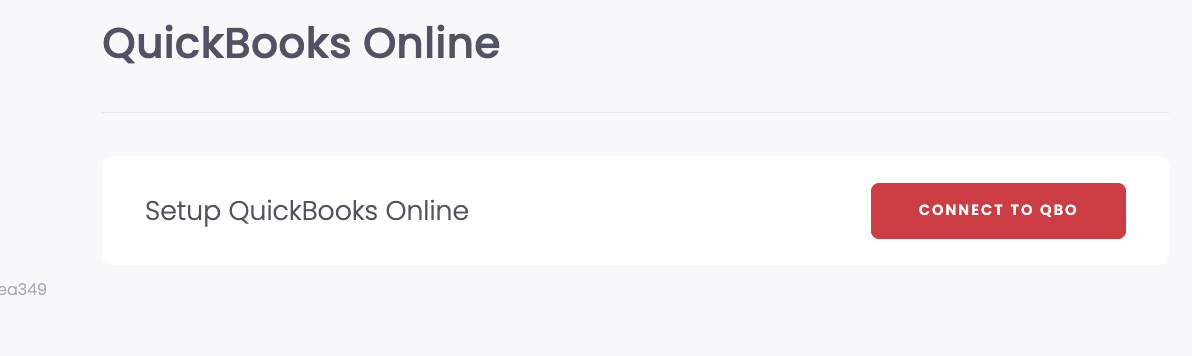
3. 3Follow the onscreen prompts to **connect your existing QBO account.**
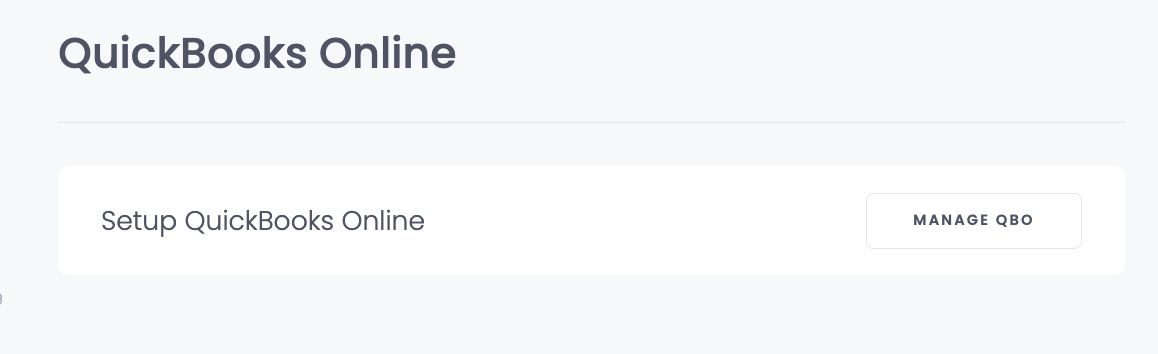
4. 4Once connected, the integration will show **Manage QBO**
### Using the QBO Integration
For more information on how to use the QuickBooks Online Integration, please see the following articles:
- [Invoices](https://help.sortly.com/invoices?hsLang=en)
- [Purchase Orders](https://help.sortly.com/purchase-orders?hsLang=en)
### Frequently Asked Questions
Can I use QuickBooks Online with the Ultra plan?
QuickBooks Online export isn’t available on the Ultra plan right now. This feature is currently included only with **Premium** and **Enterprise** subscriptions.
If you’d like access, you can [**upgrade your plan**](https://app.sortly.com/change-plan) (or [contact our team](https://help.sortly.com/hc/en-us/requests/new?hsLang=en) to confirm the best option for your account).
[](https://www.sortly.com/)
Copyright © 2026, Sortly Inc.