Skip to content
English
  • There are no suggestions because the search field is empty.

Integrations Overview

Keep your inventory, orders, and updates in sync by connecting Sortly to the apps your team already uses. The Integrations page lists everything you can connect, sorted by category. This article walks you through opening the Integrations page, the integration categories, and how to request an integration.

Ultra
Premium
Enterprise

Integrations Overview

The Integrations page shows every integration you can connect to Sortly.

1
Select Integrations in the left menu.
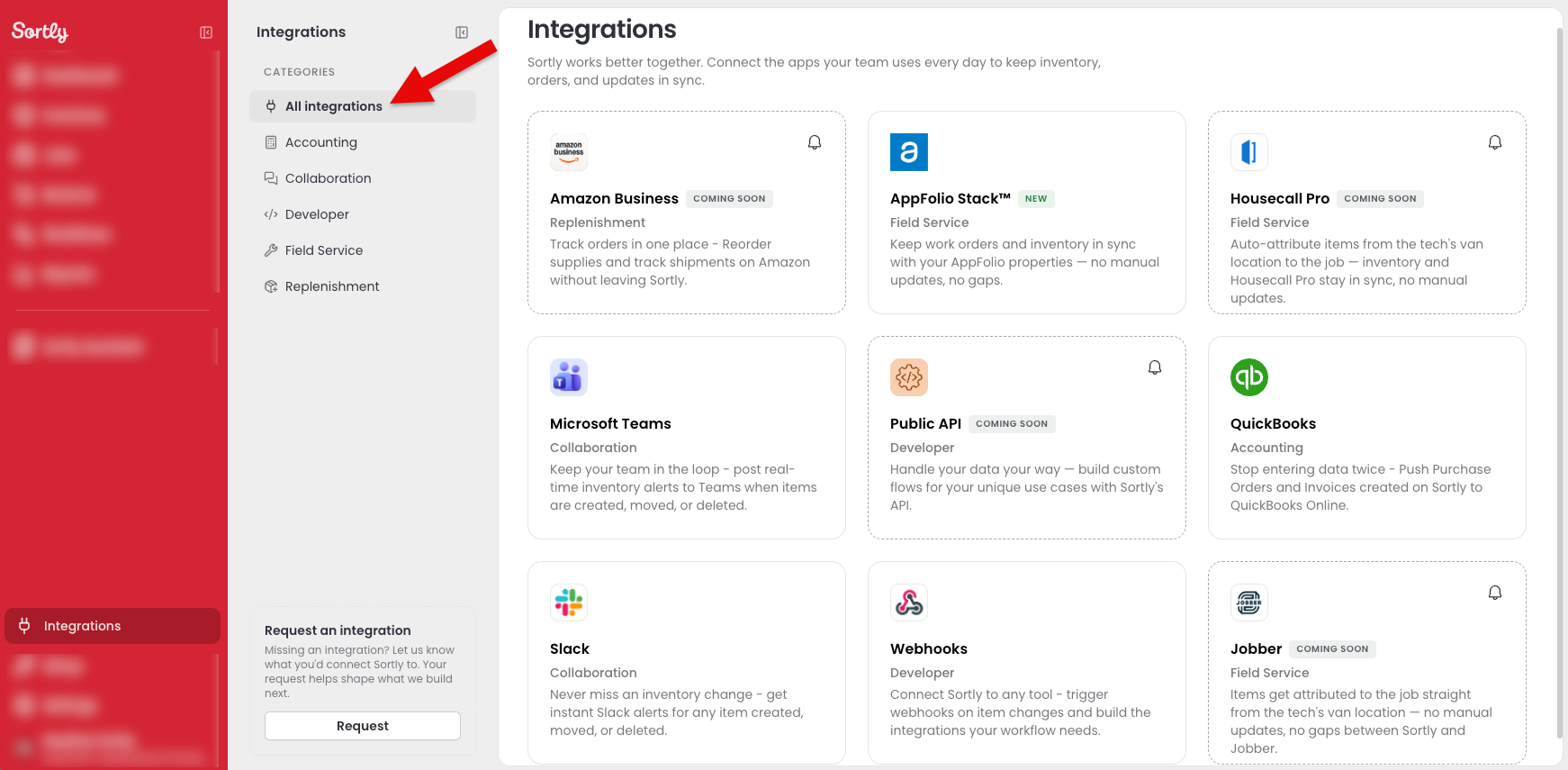
The Integrations page in Sortly, with the category panel on the left and the integration cards on the right

Integration Categories

Integrations are grouped into categories in the panel on the left. Select a category to see only the integrations in it, or select All integrations to see them all. Integrations that are not ready yet show a Coming soon label.
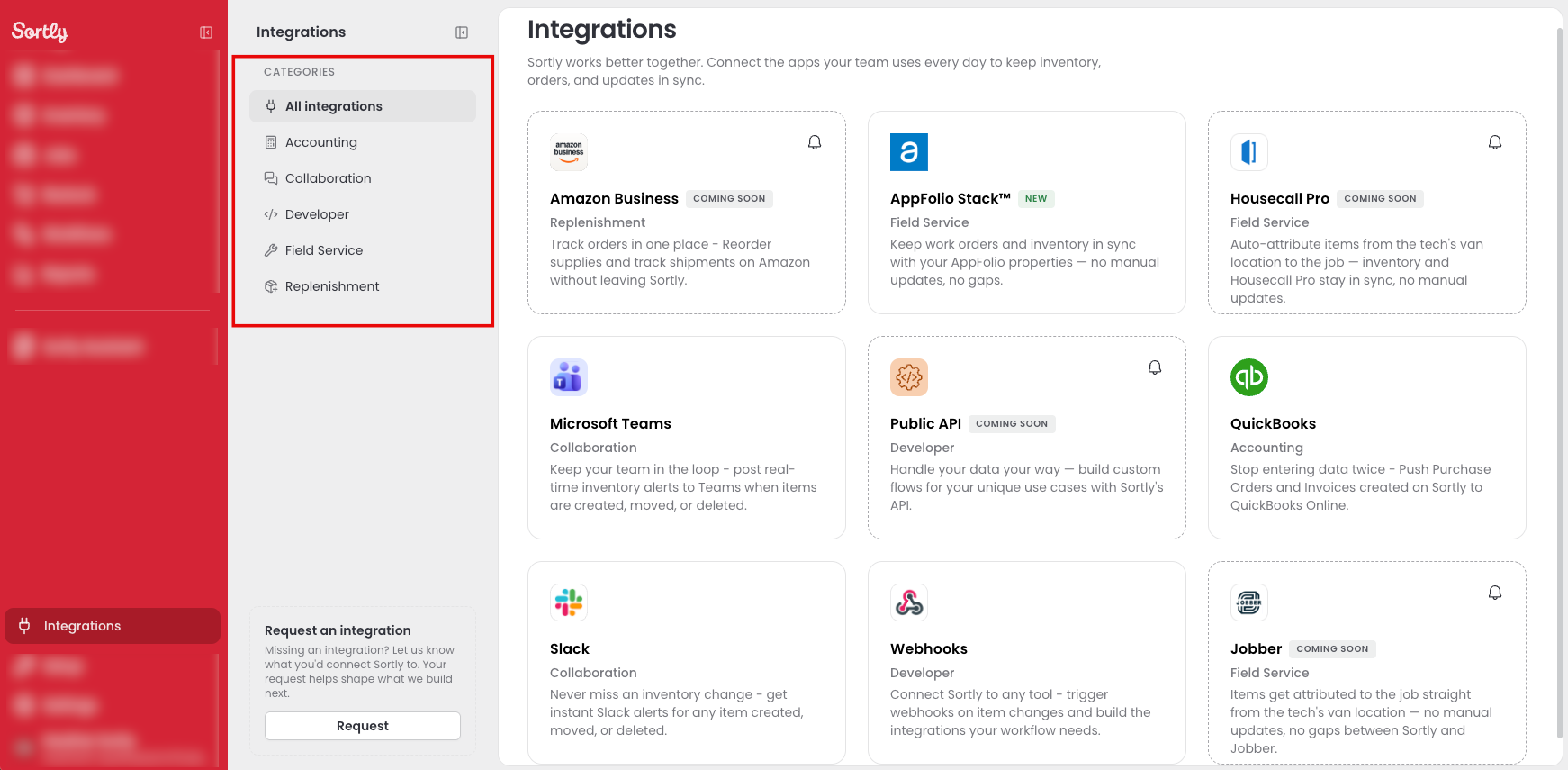
The Integrations page with the category panel highlighted on the left

Accounting

Premium
Enterprise
Integration
What it does
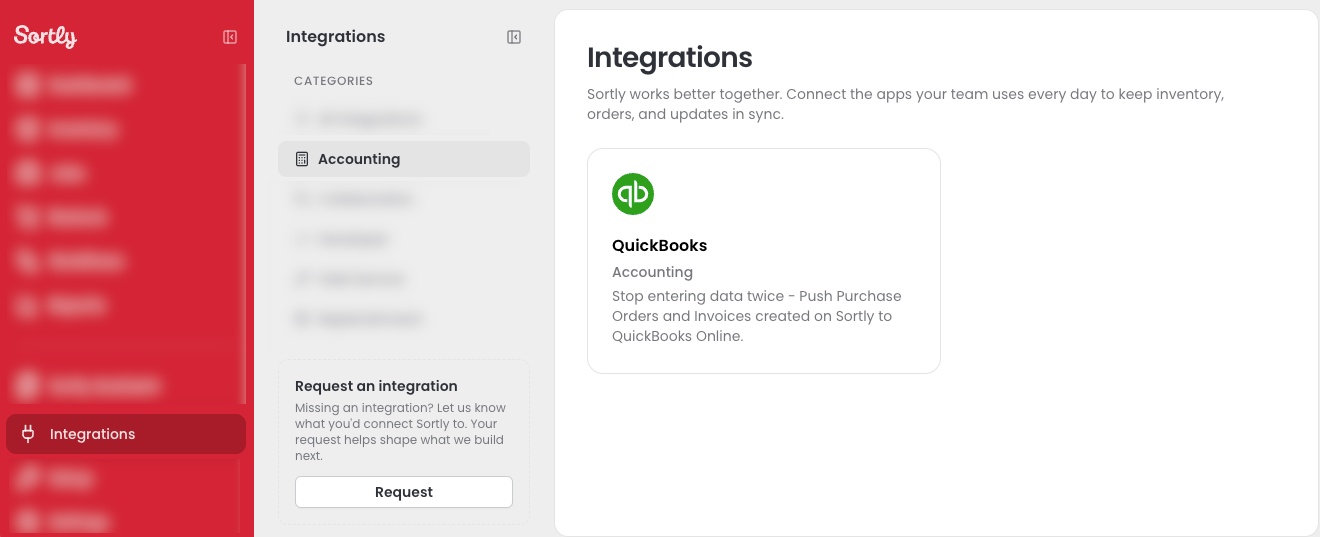
QuickBooks
Push Purchase Orders and Invoices created in Sortly to QuickBooks Online, so you do not enter the data twice
The Integrations page filtered to the Accounting category

Collaboration

Ultra
Premium
Enterprise
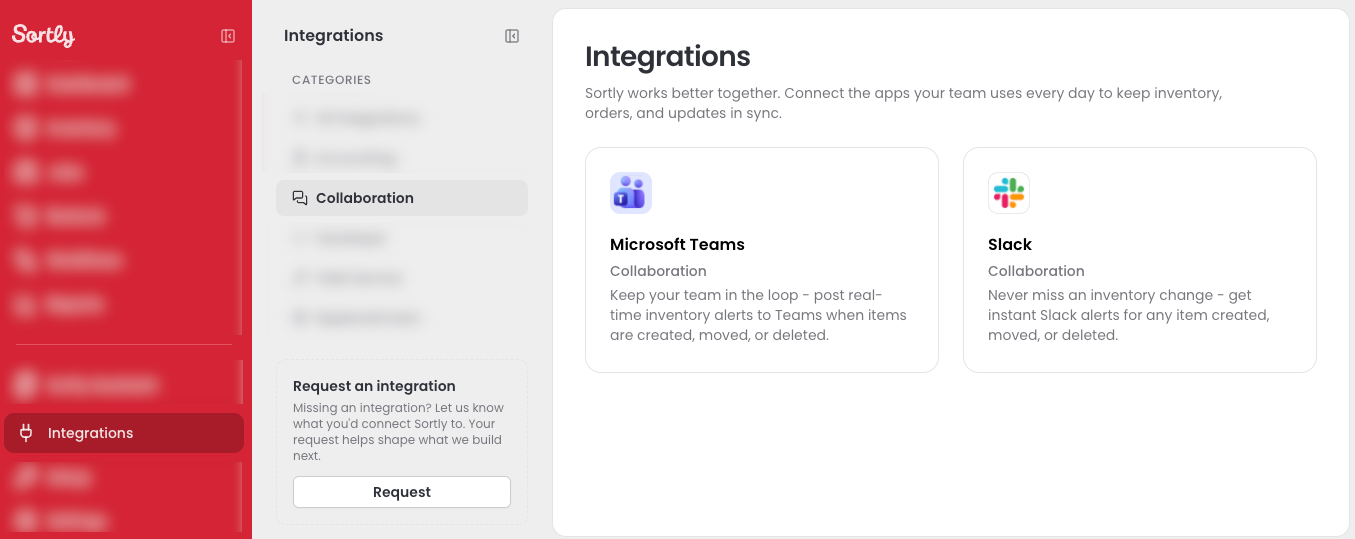
Integration
What it does
Microsoft Teams
Post real-time inventory alerts to Teams when items are created, moved, or deleted
Slack
Get instant Slack alerts when an item is created, moved, or deleted
The Integrations page filtered to the Collaboration category

Developer

Enterprise
Integration
What it does
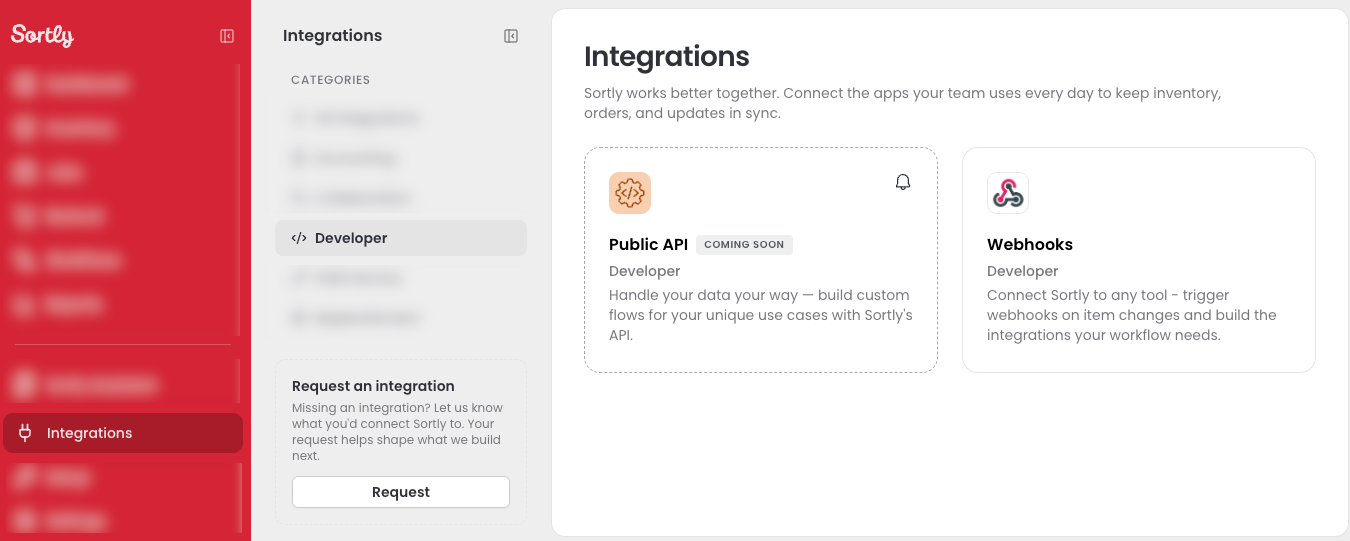
Webhooks
Trigger webhooks when items change, so you can connect Sortly to any tool and build the integrations your workflow needs
Public API
Build custom workflows for your own use cases with the Sortly API. Coming soon
The Integrations page filtered to the Developer category

Field Service

Enterprise
Integration
What it does
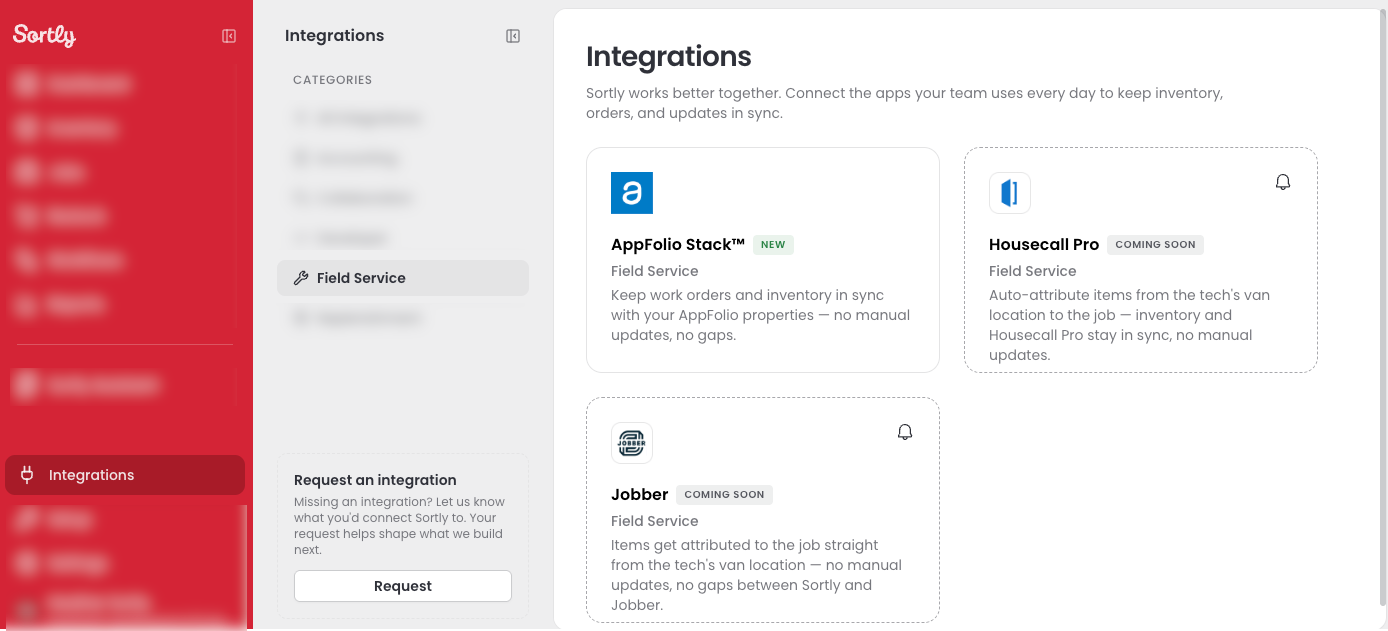
AppFolio Stack
Keep work orders and inventory in sync with your AppFolio properties without manual updates
Housecall Pro
Add items to a job from the technician's van location so inventory and Housecall Pro stay in sync. Coming soon
Jobber
Add items to a job from the technician's van location, with no gaps between Sortly and Jobber. Coming soon
The Integrations page filtered to the Field Service category

Replenishment

Coming soon
Integration
What it does
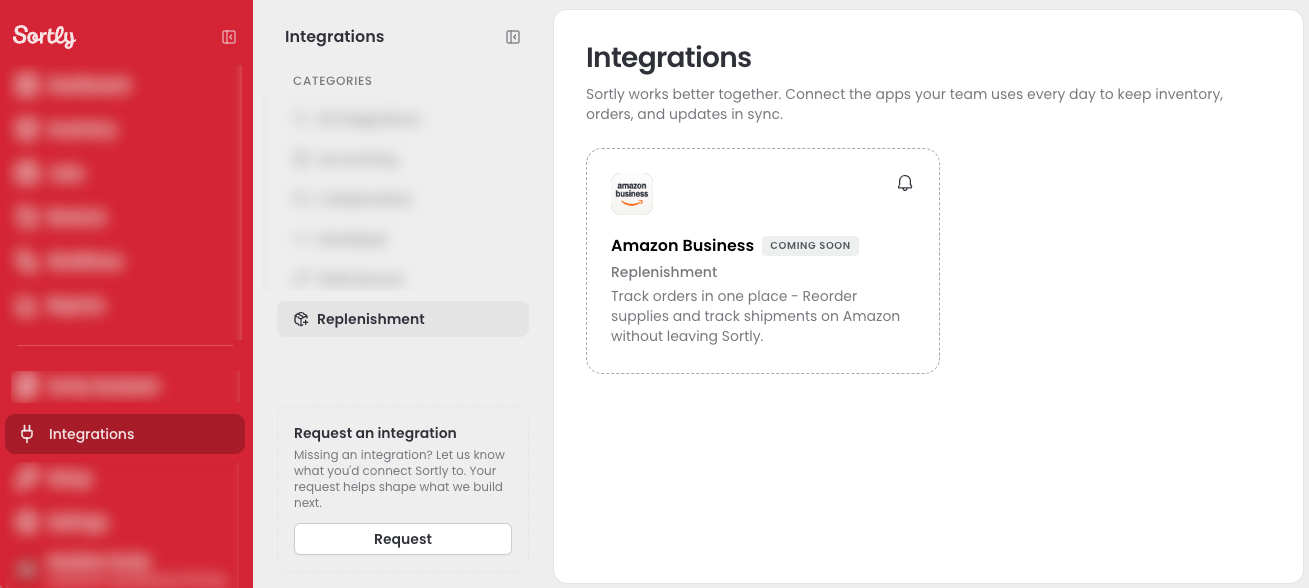
Amazon Business
Track orders in one place, reorder supplies, and follow shipments on Amazon without leaving Sortly.
The Integrations page filtered to the Replenishment category

Request an Integration

Missing the tool your team uses? Tell us which one to connect next. Your request helps shape what Sortly builds.

1
On the Integrations page, select Request under Request an integration in the left panel.
2
In the Request an integration window, enter the tool you want to connect, such as Procore, NetSuite, or ServiceTitan, and how you would use it. The more detail you share, the better we can prioritize it.
3
Select Submit.
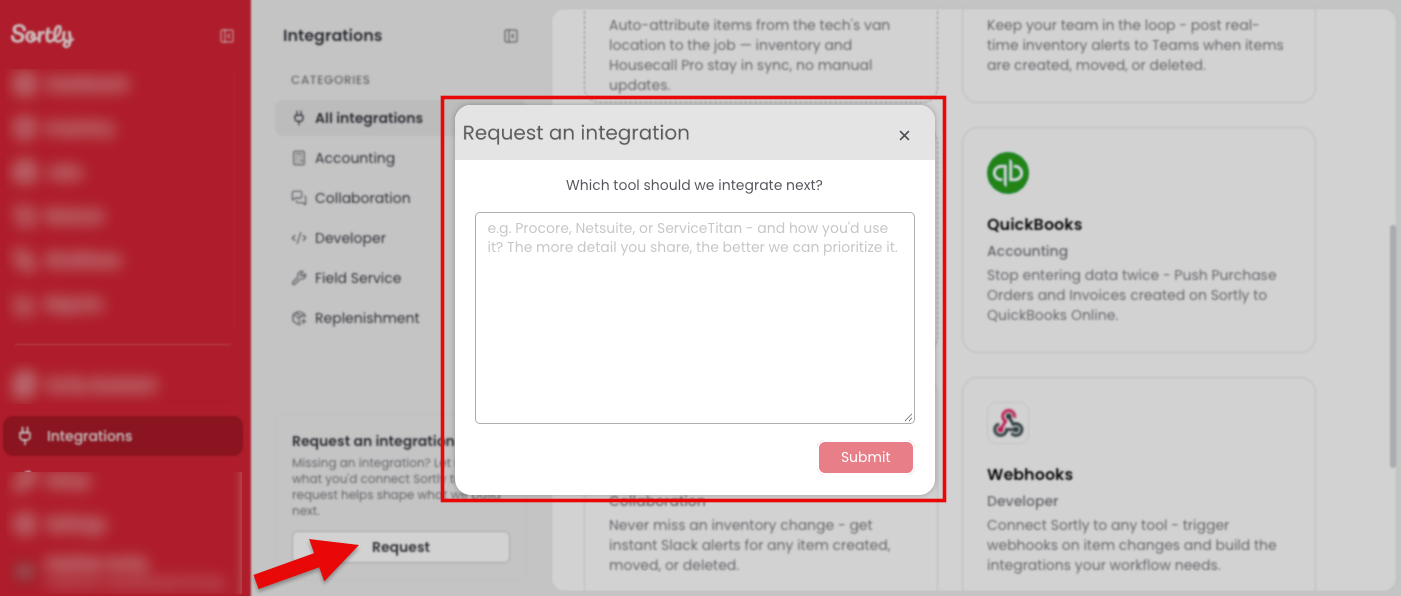
The Request an integration window with the text box and Submit button

Frequently Asked Questions

Which plans include integrations?
Integrations start on Ultra, and each one has its own plan. Microsoft Teams, Slack, and Amazon Business are available on Ultra, Premium, and Enterprise plans. QuickBooks is available on Premium and Enterprise plans. Webhooks, Public API, and AppFolio Stack are available on Enterprise plans.
Who can connect integrations?
Only Owners can connect integrations.
What should I include when I request an integration?
The name of the tool and how you would use it. The more detail you share, the better Sortly can prioritize your request.
What does the bell icon on Coming soon cards do?
Select the bell to be notified when the integration is released.