
QuickBooks Integration
Save time by sending invoices and purchase orders from Sortly straight to your QuickBooks Online (QBO) account, so you never have to enter the same information twice. This article walks you through connecting Sortly to QBO.
Premium
Enterprise
In this article
Connect to QuickBooks Online
Connect your QuickBooks Online account from the Integrations page. You only need to do this once, and after that you can send invoices and purchase orders to QBO right from Sortly.
1
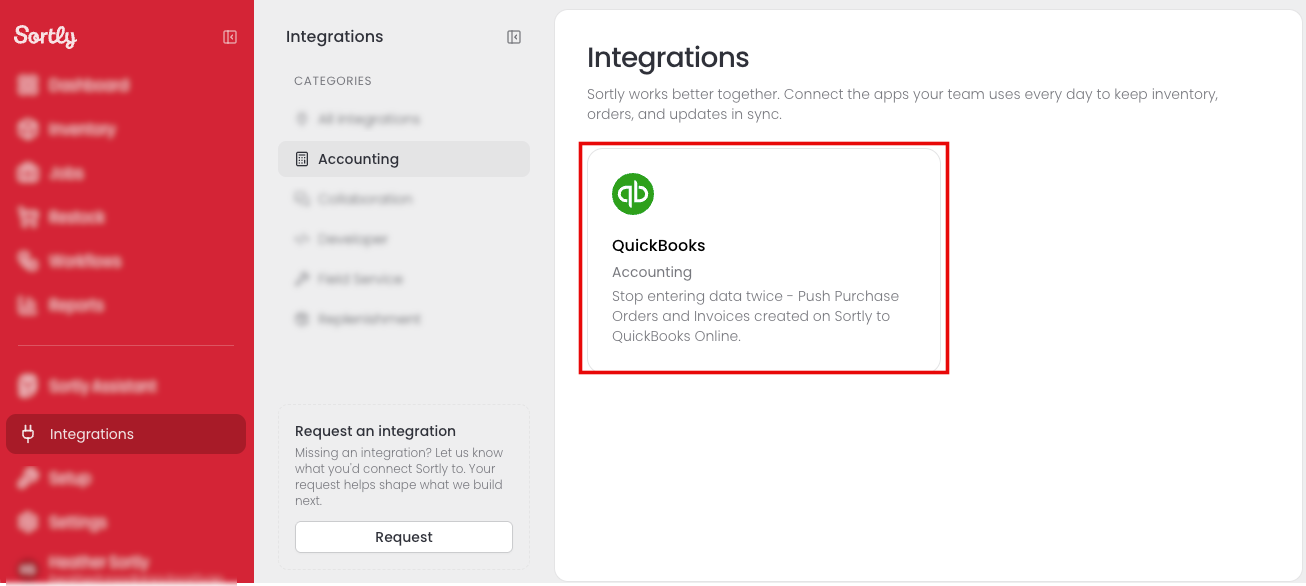
Select Integrations in the left menu.
2
Select the QuickBooks card. You can find it under Accounting or All integrations.
3
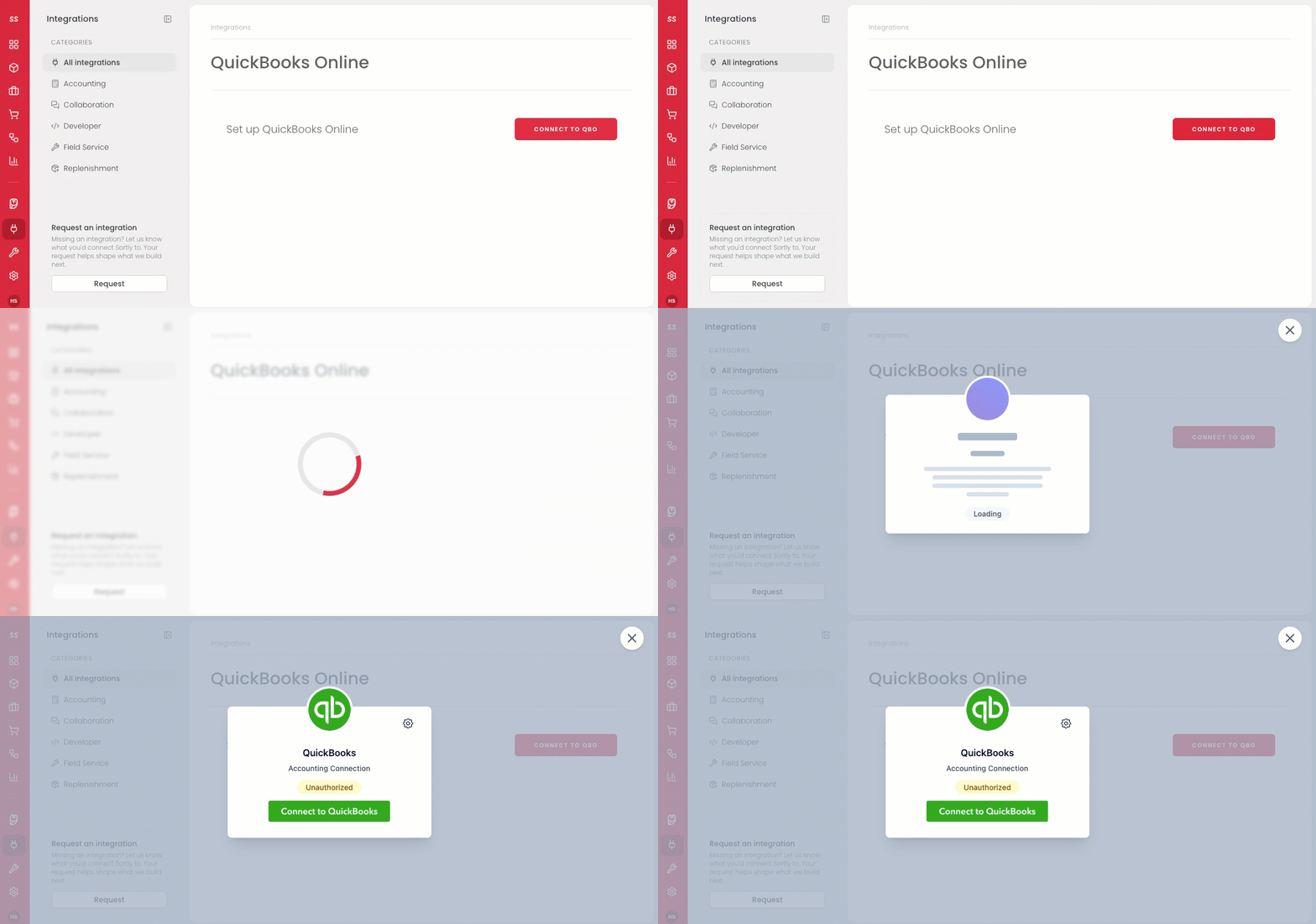
On the QuickBooks Online page, select Connect to QBO.
4
In the QuickBooks window, select Connect to QuickBooks.
5
Follow the onscreen prompts to connect your existing QBO account.
6
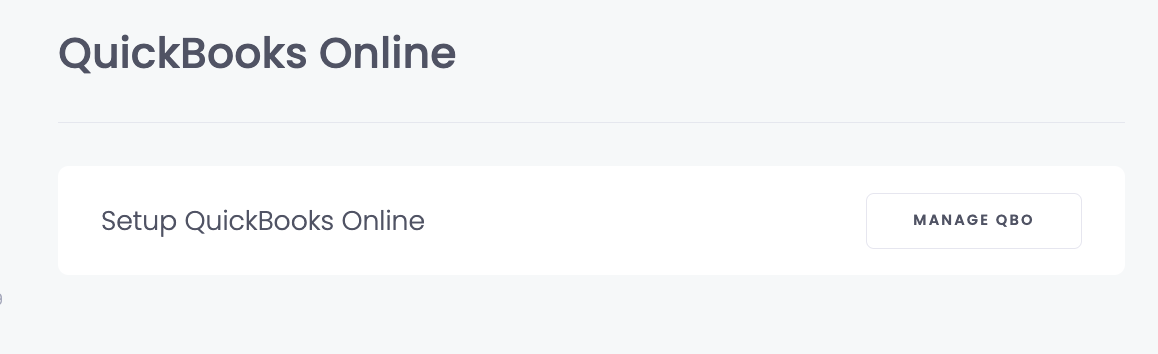
Once connected, the page shows Manage QBO in place of Connect to QBO.
⚠️ This is a one-way connection. Information can be sent from Sortly to QuickBooks Online, but not from QuickBooks Online to Sortly.
Using the QuickBooks Online integration
Once you're connected, these articles show you how to send documents to QuickBooks Online:
Frequently Asked Questions
What can I send to QuickBooks Online from Sortly?
You can send invoices and purchase orders. To learn how, see Invoices and Purchase Orders.
Do I need a QuickBooks Online account before I connect?
Yes. Sortly connects to the QuickBooks Online account you already have. When you select Connect to QBO, follow the onscreen prompts to link it.
Who on my team can connect QuickBooks Online?
Only account owners can set up the connection. If you're not the owner, ask them to connect it for you.
Can I connect more than one QuickBooks company?
Not at this time. Sortly connects to one QuickBooks Online company at a time.
Will changes I make in QuickBooks Online show up in Sortly?
No. The connection works one way. Information you send from Sortly shows up in QuickBooks Online, but information in QuickBooks Online is not sent back to Sortly.
Can I use QuickBooks Online with the Ultra plan?
QuickBooks Online isn't available on the Ultra plan right now. It is currently included only with Premium and Enterprise subscriptions. If you'd like access, go to Settings, then Plan & Billing to upgrade.