Skip to content
  • There are no suggestions because the search field is empty.

Update your Billing and Payment Information

Keep your plan and payment details up to date by managing everything from one page: your subscription, your card, your receipts, and your seats. This article walks you through opening the Plan & Billing page, what you can change there, and where to update billing if you subscribed through the App Store or Google Play.

⚠️ Billing information can only be updated on the web version of Sortly by an account Owner.

Accessing the Billing Panel

1
Log in to Sortly at app.sortly.com.
2
Select Settings in the left menu.
3
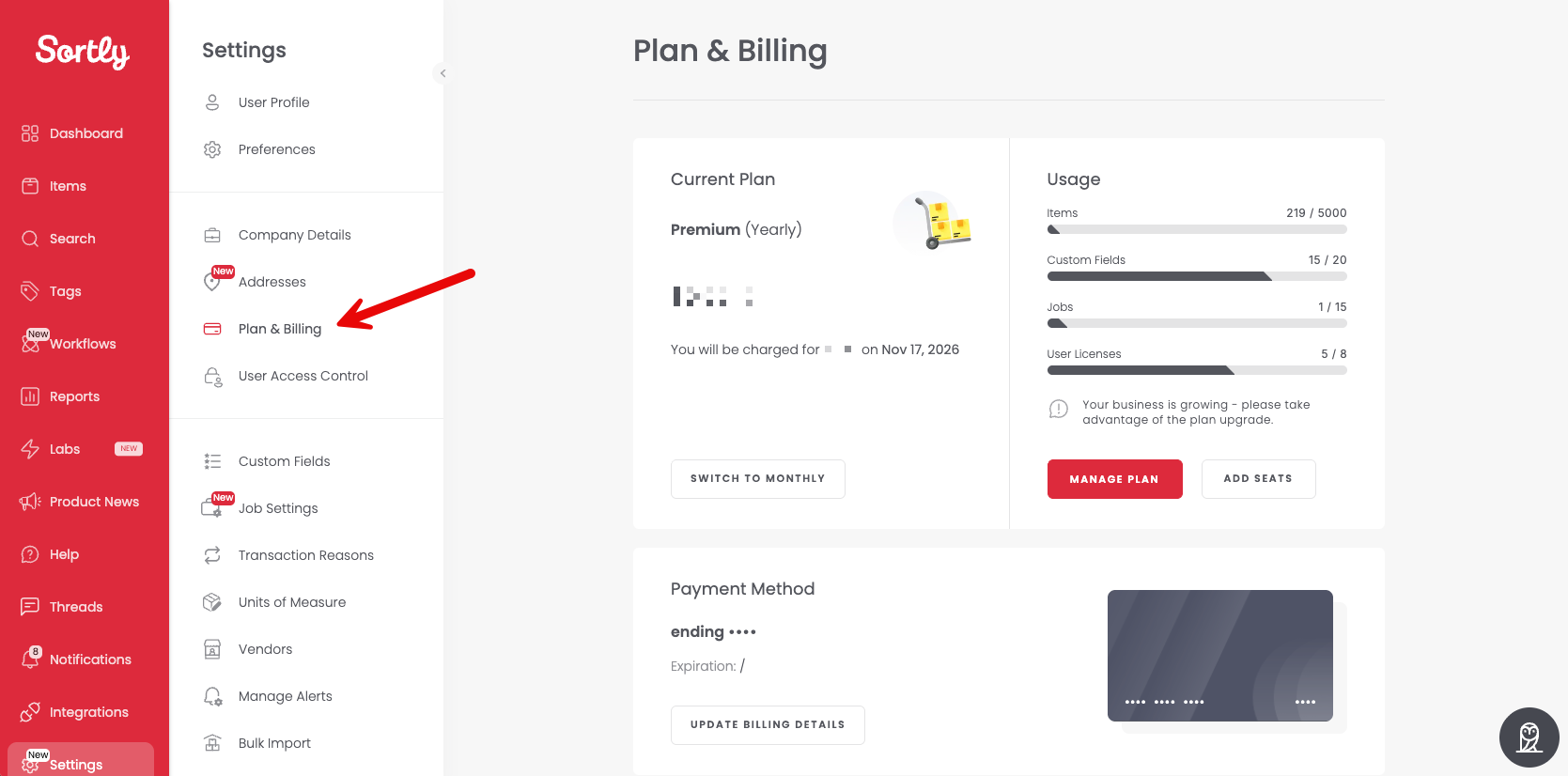
Select Plan & Billing, or go directly to the billing tab here.
Settings menu with Plan & Billing selected and the Plan & Billing page open

Managing Your Plan

Current Plan

View your current subscription plan.
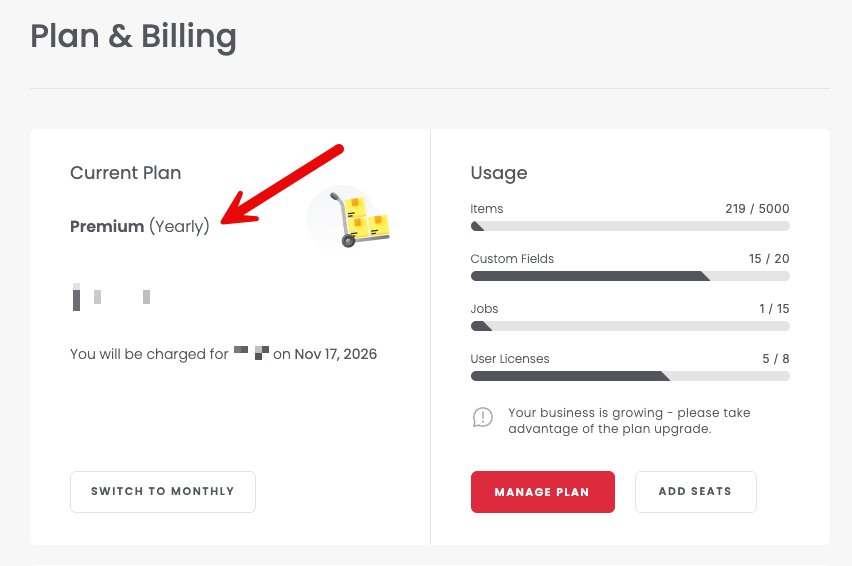
Current Plan section showing the plan name and billing interval

Manage Plan

Manage your current plan at any time. Select Manage Plan to make changes. All changes take effect immediately.
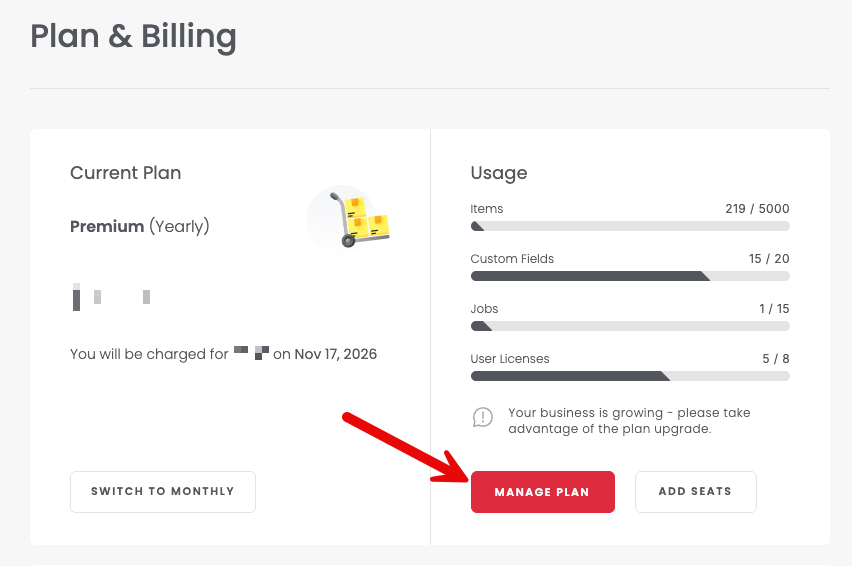
Manage Plan button on the Plan & Billing page

Updating Billing Details

Update your credit card information at any time. In the Payment Method section, select Update Billing Details.
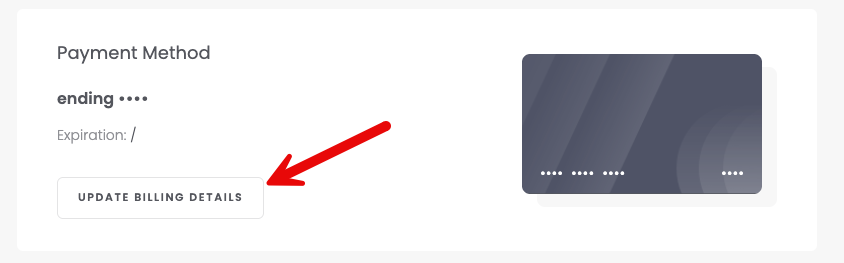
Update Billing Details button in the Payment Method section

Viewing Payment History

Open your payment history to review previous transactions. In the Payment History section, select the receipt icon next to a payment to download its receipt.
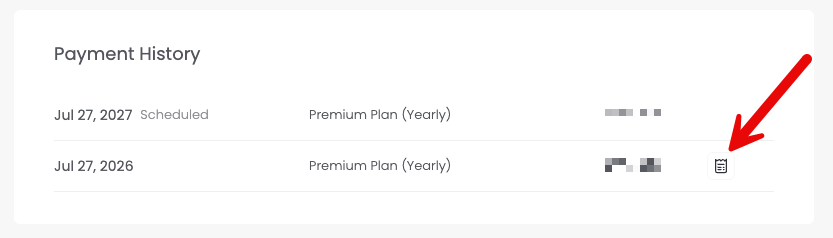
Payment History list with the receipt icon next to a past payment

Managing Seats

Add or remove team members from your account as needed, from either the Plan & Billing page or the Manage Team page. On the Plan & Billing page, select Add Seats. To use Manage Team, select User Access Control in the Settings menu.
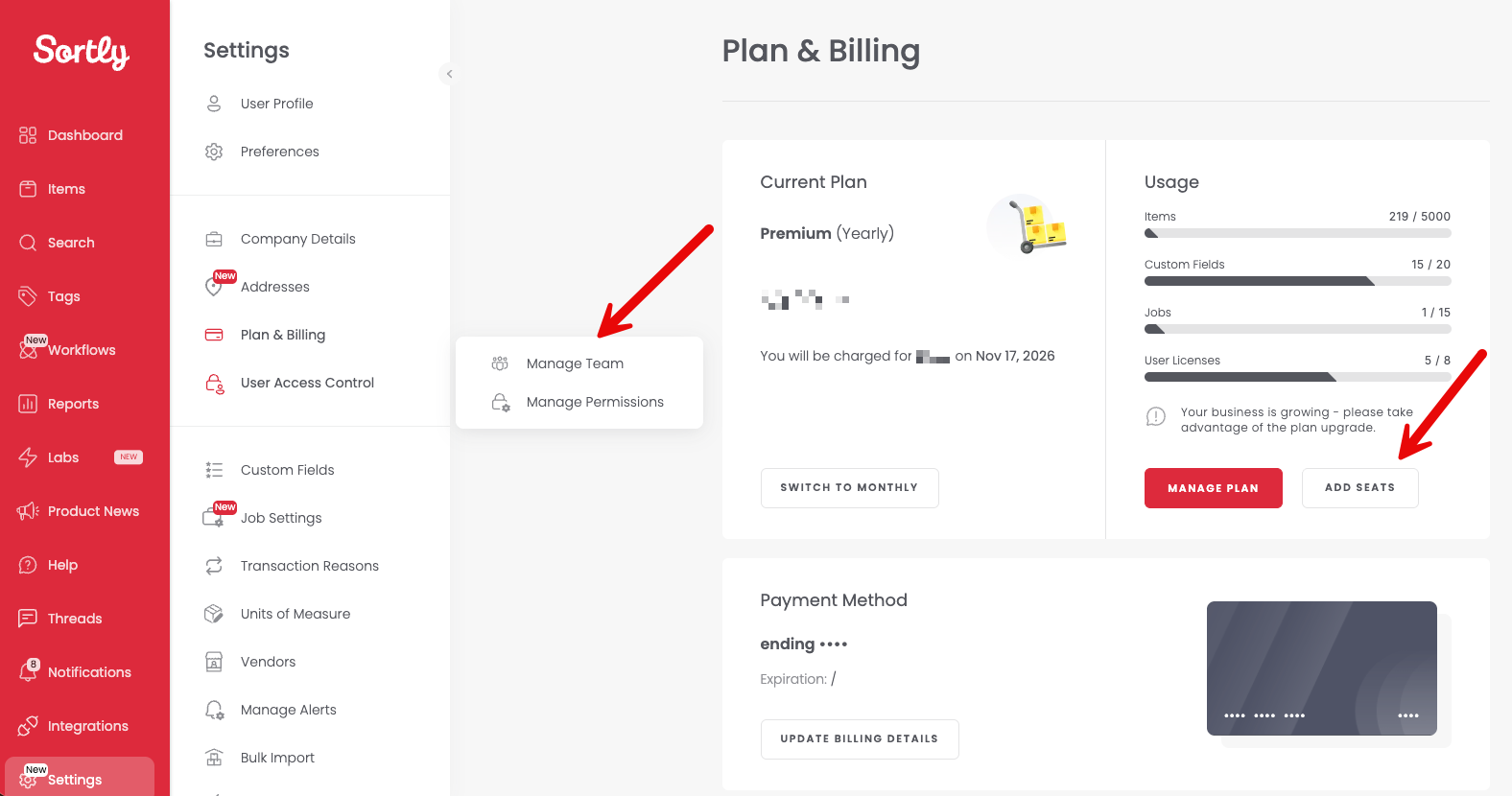
Add Seats button on the Plan & Billing page and Manage Team under User Access Control

App Store Billing (for Apple/iPhone/iPad)

Subscribed through the App Store? On your mobile device, go to Settings > [Your Name] > Subscriptions to manage your subscription or update payment details.

💡 Having trouble finding the right subscription? Refer to Apple's comprehensive guide for step-by-step assistance.

Google/Android

Subscribed through Google Play? Open the Google Play Store and go to Menu > Subscriptions to manage or update payment methods.


Frequently Asked Questions

How do I change the email address associated with my billing?
If you need to update the email address for invoice receipts, please reach out to our Support Team.
What types of payment do you accept?
Sortly accepts all major credit and debit cards, linked directly to your account. Subscriptions renew automatically based on your chosen billing interval (monthly or annually). We don't currently accept purchase orders or checks.
How do I transfer ownership to another user?
If the account owner has left your company and you need to transfer ownership to someone else, reach out to our Support Team.